This is a post purely for my self-documentation, but it might help someone else out there too. I purchased a new computer and completely forgot how I was able to access my Synology NAS using my XXXX.synology.me URL when working at home on my local network where the NAS is.
I started to search for the solution, not remembering what I did and mostly found posts where people were responding to the same question from others with “the xxxx.synology.me” URL is for accessing it from outside your network, use the IP for internal. I got tired of the “NOT SECURE” warning because my internal URL using the IP address doesn’t have a certificate. I wanted to use the synology.me URL that has a certificate assigned to it.
At some point, I vaguely remembered something to do with a hosts file and figured it out. Now, I’m documenting it for my future self for the next time.
Solution
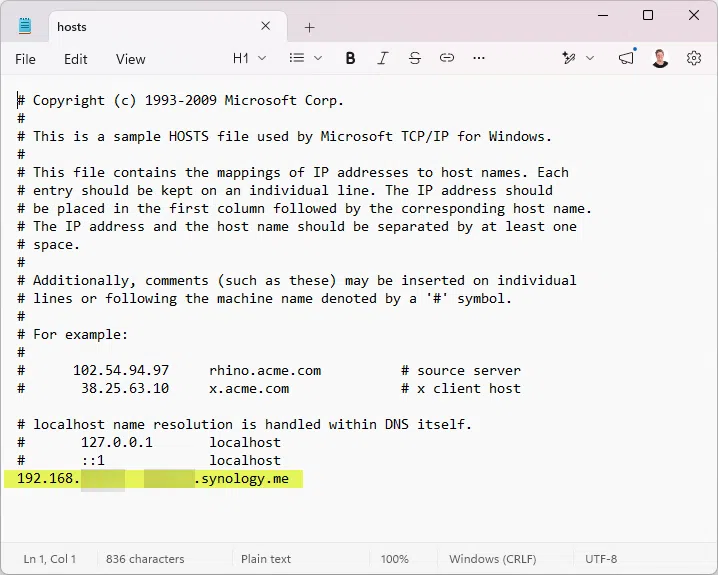
Open Notepad as Administrator, browse out to C:WindowsSystem32driversetc and open the “hosts” file. By default, Notepad only shows .txt files so you may need to change the view to “all files” to see it.
At the bottom of the file type in your IP address, then tab and add the xxxx.synology.me URL. My example is below, no port reference is needed, it’s just telling your computer that xxxx.synology.me is really that IP address.